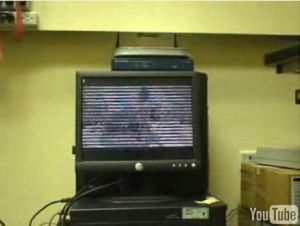
Warren Harding has designed a program that allows you to watch YouTube videos in ASCII text. It was a test to see if he could access youtube without a nice GUI. He literally created a program which has all the menus and you just choose the video you want to play and it converts it in to ASCII text right on screen.
The Operating System running this is Linux Fedora 6 and it uses a lynx based browser to search for the videos. Check out the video of it working after the jump.
Although I think this is a little bit of a crazy idea, it is still quite cool to see how someone can convert video in to ASCII with it actually looking almost real from a distance away from the screen.
Via: HackedGadgets


WOW!
I have got to try this out 😀
JAM
wow man, awesome!
Where is the trick ??? it is juste mplayer using the libcaca library.
He just download the youtube video via lynx, nothing special here, and mplayer do everything else.
Everything can be done by anyone with every linux distribution.
+1 with humplop…..nothing special here just downloading a flv from youtube and lauch it with mplayer…Fools